
Guides
Why Your Downloaded Video Looks Worse Than You Expected
The platform compressed it on upload, long before you downloaded anything. What you can retrieve is the platform's copy, not the creator's original — and no tool can undo that.

Because the platform compressed it on upload, before any downloader was involved. What you can retrieve is the copy that platform chose to store, never the creator’s export. Some platforms are far more aggressive about this than others, which is why the same clip can look fine from one source and mushy from another.
The compression already happened
Every mainstream platform re-encodes video when it is uploaded. That is how they keep playback smooth on a phone with two bars of signal, and it is not reversible.
So a download is a copy of the platform’s version. If Instagram squeezed a Reel on the way in, the download reflects Instagram’s compression, not what the creator exported. No tool on either side of that transaction can put back detail the encoder discarded.
What each platform actually serves
Our per-platform pages document what comes back, and the differences are large.
| Platform | What you get |
|---|---|
| YouTube | Source resolution up to a 1080p ceiling, H.264 in MP4. A 240p upload stays 240p, nothing upscales it |
| TikTok | Exactly what TikTok serves — H.264 with AAC audio, 576×1024 on every clip tested, nothing re-encoded |
| Typically 1080×1920 for a vertical Reel, reflecting Instagram’s own upload compression | |
| X | The highest version X encoded, which caps most video at 1280×720 after aggressive compression |
That X row explains a lot of disappointed downloads. A clip that was shot in 4K and posted to X is a 720p clip now, for everybody, including the person who posted it. Details are on the X video downloader and TikTok downloader pages.
Resolution is not sharpness
The other half of the confusion is that 1080p is a pixel count, not a quality guarantee.
Bitrate decides how much detail survives inside those pixels, and it varies wildly between platforms and even between clips. A high-bitrate 720p file routinely looks better than a starved 1080p one, especially in scenes with motion, where low bitrate shows up as smeared backgrounds and blocky edges rather than as obvious blur.
Which means the useful question is not “did I download the biggest number available” but “did I get the best version the platform holds”.
What a good downloader can and cannot do
It can fetch the highest version stored, keep the file as it is, and avoid making things worse. That last one matters more than it sounds: any tool that re-encodes to convert formats throws away a little more quality on the way, and any tool offering to upscale is inventing pixels rather than recovering them.
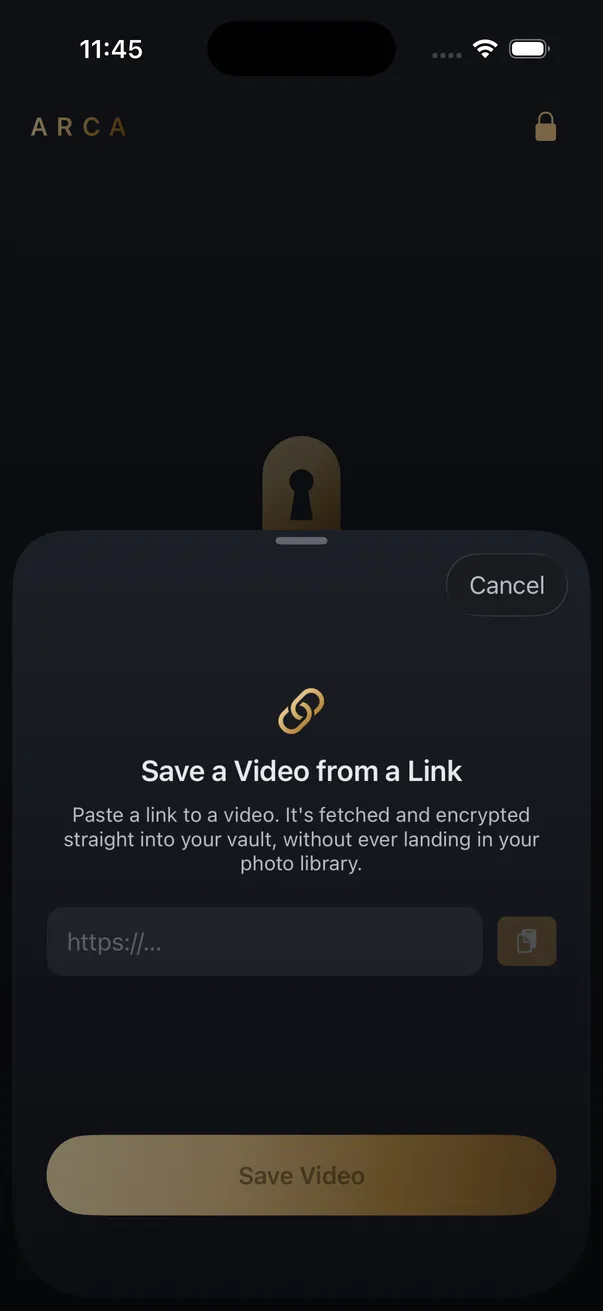
Arca’s Save from Link takes the passthrough approach where the platform allows it, so what lands in your vault is the platform’s own file rather than a recompressed copy of it. It goes straight into encrypted storage instead of your Camera Roll, each file encrypted with AES-256-GCM under a key derived from your PIN with Argon2id, held in the app’s container with no automatic vault upload or Arca account. The security page has the full model, including what it does not protect — files at rest rather than a vault open in front of someone, and no recovery if you forget your PIN.
Save what you have the right to save: your own uploads, content a platform’s tools allow, public posts for personal offline viewing. Platform terms still apply to you.
Get Arca on the App Store to keep saved videos at full source quality in an encrypted vault on your iPhone.
Frequently asked questions
Can a downloader get me the creator's original file? +
No. Platforms re-encode video when it is uploaded and keep only their own versions, so the highest quality anyone can retrieve is the best copy the platform chose to store. The original export never leaves the creator's device unless they share it directly.
Does downloading at 1080p guarantee a sharp video? +
No, because resolution and bitrate are different things. A heavily compressed 1080p file can look softer than a well-encoded 720p one. Resolution tells you how many pixels there are, bitrate tells you how much detail was kept in them.
Will converting or upscaling improve a downloaded video? +
Converting cannot add back detail that was discarded, and re-encoding usually removes a little more. Upscaling invents pixels by guesswork rather than recovering the ones that were lost. The honest ceiling is whatever the platform served.
Keep reading
Comparisons
Screen Recording vs Downloading a Video: Which Is Better?
Screen recording re-films your display, so it inherits your screen resolution and everything else on it. Downloading keeps the file as published. Here is when each one is the right tool, and the part nobody mentions about where the result lands.
Guides
Why Your Downloaded Video Has No Sound
Four different causes, and they need different fixes. The most common one is that the platform never stored the video and its audio as a single file in the first place.
Guides
How to Find Where a Downloaded Video Came From
Most downloaded videos carry their source in the filename: a post ID, a shortcode or a handle. Here is how to turn each one back into the original link, and what to do when the name is gone.
Your photos. Truly private.
Keep your photos in an encrypted vault on your iPhone, with no Arca account or automatic vault upload.
Free to download · iPhone · iOS 18+