
Comparisons
Screen Recording vs Downloading a Video: Which Is Better?
Screen recording re-films your display, so it inherits your screen resolution and everything else on it. Downloading keeps the file as published. Here is when each one is the right tool, and the part nobody mentions about where the result lands.
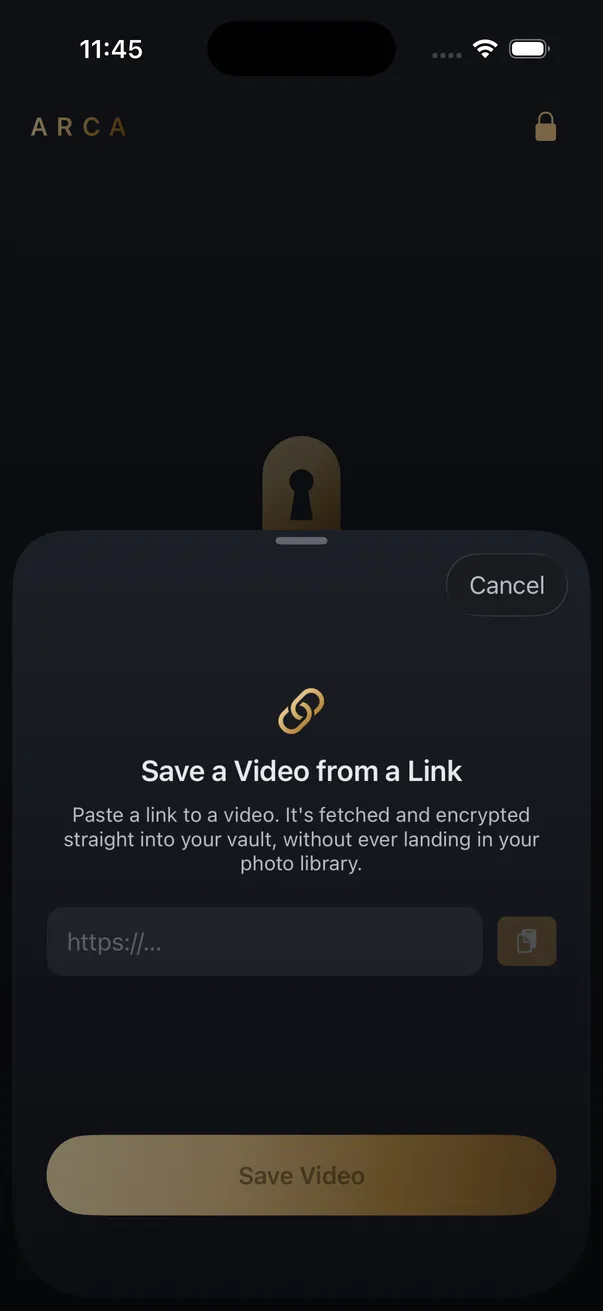
Download when the file is there to download. Screen-record when it is not. A download keeps the file the platform already published; a screen recording re-films your display, which means it inherits your screen resolution, picks up whatever else is on screen, and lands in your Camera Roll.
What each one actually captures
The difference sits upstream of any quality setting you can change. Downloading asks for the file being served and keeps it. Screen recording never touches that file at all, and re-encodes whatever your display happens to be showing instead.
| Screen recording | Downloading the file | |
|---|---|---|
| Resolution | Capped at your screen | Whatever the source file has |
| Encoding | A second-generation copy of a compressed stream | The stream as published |
| Also in frame | Player controls, notification banners, the clock | Only the video |
| Time it takes | Real time, so ten minutes of video takes ten minutes | As fast as the file transfers |
| Where it lands | Camera Roll | Wherever the saving app puts it |
The re-encode is the part people underestimate. Platform video is already compressed hard; recording it off a screen compresses that result a second time. This is a different problem from why downloaded videos look worse than they did while streaming, and it stacks on top of it.
When screen recording is the right call
It is the better tool more often than downloader guides admit.
- Nothing discrete to download. A live stream is not a file sitting somewhere waiting to be fetched, and neither is a moment mid-playback.
- You want the interface, not the video. Bug reports, app walkthroughs and anything where your own taps are the point.
- The clip is one part of a longer session. Recording keeps the sequence intact. Downloading gives you disconnected pieces.
One case is neither: subscription streaming blocks capture at the system level, so it records as black video. That is deliberate, and a downloader is not the answer to it either.
Where the file ends up
This is the quiet cost, and it applies even when the recording looks fine.
A screen recording is a Photos item. It syncs to iCloud Photos if that is on, appears in search and Memories, can land in a shared library, and is visible to anyone who picks up an unlocked phone. For a recipe clip that is irrelevant. For anything you saved precisely because it is nobody else’s business, the Camera Roll is the wrong destination, and it is the default one.
Where Arca fits
Arca fetches the file on your device and writes it straight into an encrypted vault, so it never becomes a Photos item at all.
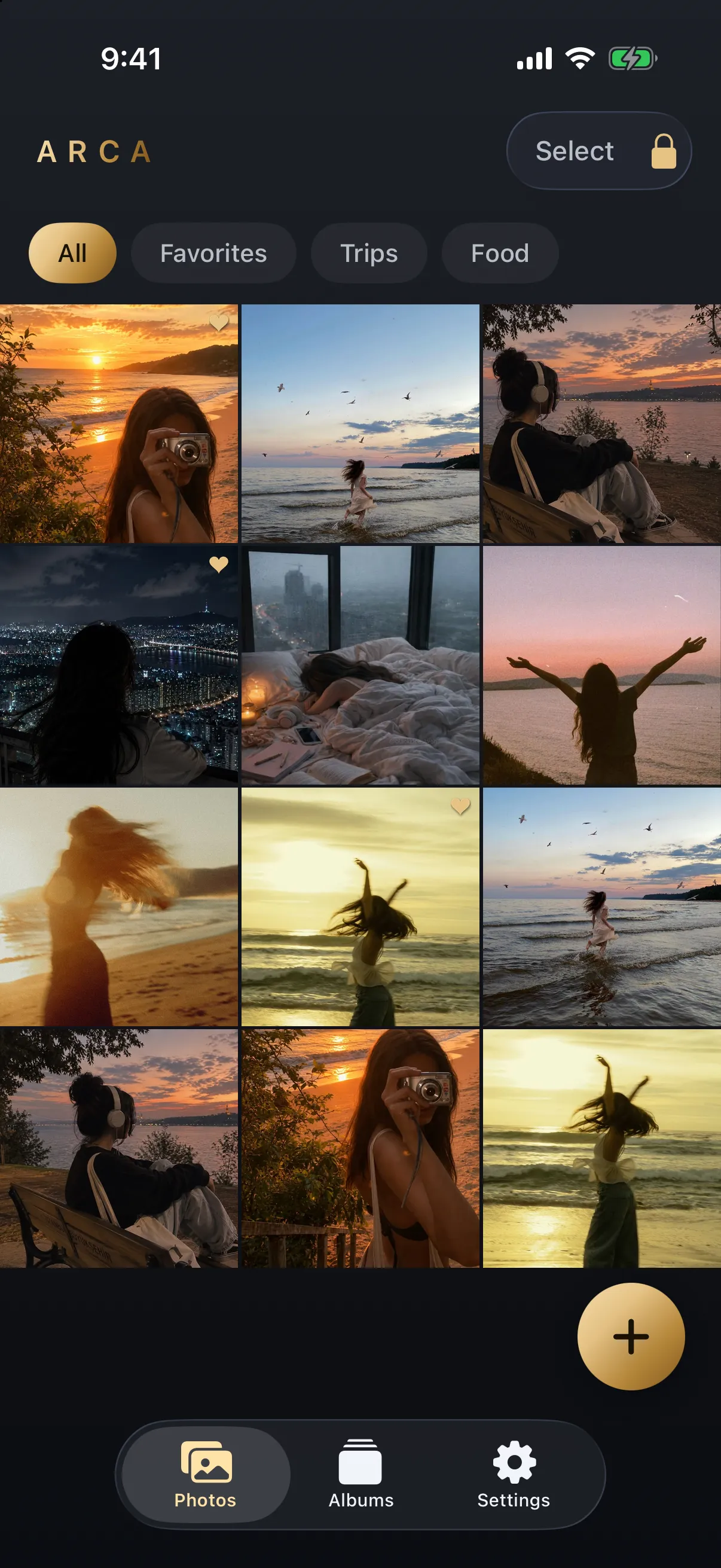
Each file is encrypted with AES-256-GCM under a key derived from your PIN with Argon2id, held in the app’s own container. There is no Arca account or automatic vault upload, which also means nothing is recoverable if you forget your PIN. The security page sets out the model and its limits plainly, including the obvious one, that it protects files at rest and not a vault already open in front of someone. For the mechanics on one platform, the YouTube downloader page walks through it.
Save what you have the right to save, meaning your own uploads, content a platform’s own tools allow you to keep, and public posts held for personal offline viewing. Platform terms still apply to you.
Get Arca on the App Store to save videos from a link straight into an encrypted vault on your iPhone.
Frequently asked questions
Is screen recording lower quality than downloading? +
Usually, yes. A screen recording captures your display, so it is capped at your screen's resolution and re-encodes an already compressed stream. A download keeps the file the platform published, at whatever resolution that file has.
Do screen recordings save to my Camera Roll? +
Yes. iOS writes screen recordings into Photos like any other video, which means they sync to iCloud Photos if that is switched on, surface in search and Memories, and are visible to anyone holding an unlocked phone.
Why does my screen recording come out as a black screen? +
Subscription streaming services block capture at the system level, so playback records as black video. That is deliberate, and a downloader is not the way around it either. Record or save only what you have the right to keep.
Keep reading

Guides
Why Your Downloaded Video Looks Worse Than You Expected
The platform compressed it on upload, long before you downloaded anything. What you can retrieve is the platform's copy, not the creator's original — and no tool can undo that.
Guides
How to Find Where a Downloaded Video Came From
Most downloaded videos carry their source in the filename: a post ID, a shortcode or a handle. Here is how to turn each one back into the original link, and what to do when the name is gone.
Guides
Is a Reels Downloader App Safe? What to Check First
Most Reels downloader apps are not malware. The risk is in what they ask for: your Instagram login, full Photos access, a weekly subscription. Here is what to check on the App Store page before you install one.
Your photos. Truly private.
Keep your photos in an encrypted vault on your iPhone, with no Arca account or automatic vault upload.
Free to download · iPhone · iOS 18+