
Guides
How Much Space Do Downloaded Videos Take?
File size is bitrate times length, not resolution. Here are the numbers to expect per minute, and the part people miss — where those megabytes actually land on an iPhone.

A downloaded video’s size is its bitrate times its length, not its resolution. In practice, expect roughly 30-60 MB per minute for 1080p, 15-30 MB for 720p, and about 1 MB per minute for MP3 audio. A ten-minute 1080p video lands somewhere near half a gigabyte.
Size is bitrate times length
Bitrate is the number of bits the encoder spends on each second of video. Divide it by eight and you have megabytes per second, which is the whole calculation. An 8 Mbps clip costs 1 MB every second, or 60 MB a minute, whatever its dimensions happen to be.
Resolution only correlates with size because bigger frames usually get a bigger budget. It does not set it. A 1080p lecture recording of somebody standing still can be smaller than a 720p clip of a football crowd, because the crowd gives the encoder new detail to describe in every frame and the lecturer does not.
Rough sizes to expect
| What you saved | Per minute | Ten minutes |
|---|---|---|
| MP3 audio at 128 kbps | About 1 MB | About 10 MB |
| 480p video | 8-15 MB | 80-150 MB |
| 720p video | 15-30 MB | 150-300 MB |
| 1080p video | 30-60 MB | 300-600 MB |
Treat these as ranges rather than promises. The only fixed figure is the audio one, because a constant 128 kbps really is 0.96 MB per minute every time. Short vertical clips barely register on their own. A Reel or a Short is under a minute, so it is the hundred of them that adds up.
Where the megabytes actually land
The same download can occupy space in more than one place at once, which is what catches people out.
A browser download goes to the Files app, where it counts as ordinary device storage. Saving to the camera roll instead puts it in Photos, and if iCloud Photos is switched on it then uploads, so the video is charged against your iCloud plan as well as the phone. A file kept inside an app’s own container counts under that app in Settings and never reaches Photos at all.
If storage is vanishing faster than your downloading explains, that duplication is usually why. The sync side of it is in how to stop iPhone photos syncing to iCloud.
Keeping it under control
- Take the audio when audio is all you want. It runs thirty to sixty times smaller, and the YouTube downloader page has the MP3 option alongside the video one.
- Delete the camera roll copy once a file is somewhere you actually keep it, instead of leaving both.
- Check Settings, General, iPhone Storage now and then. It lists per-app usage, so a vault’s real footprint is visible instead of guesswork.
- Remember that backups have a size too. Whether an app’s files are in yours is app-specific, which we went through in is your photo vault included in your iPhone backup.
Where Arca fits
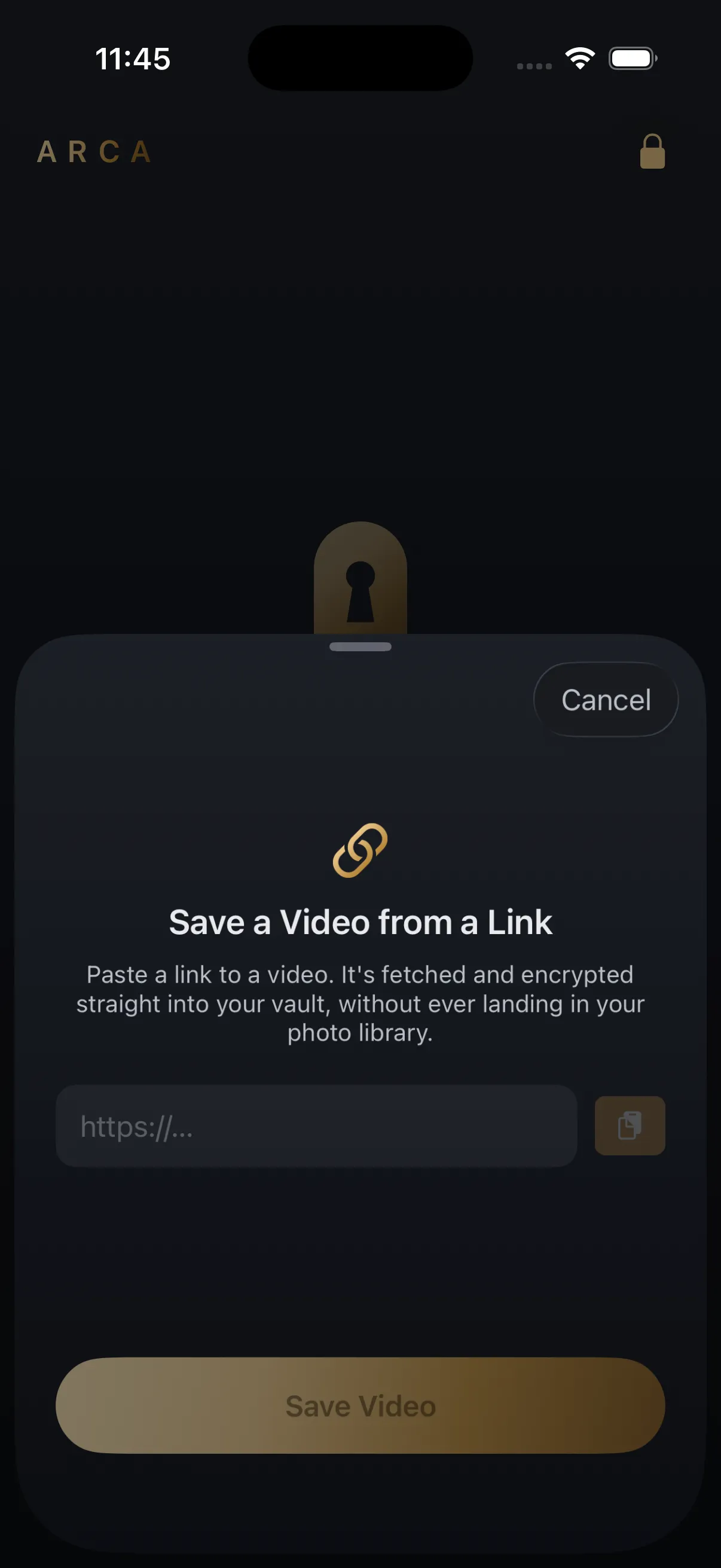
Arca saves from a link straight into an encrypted vault in its own container, so a download never passes through the camera roll and never consumes iCloud Photos quota.
It does not save you storage, and it would be dishonest to suggest otherwise. Each file is encrypted with AES-256-GCM under a key derived from your PIN with Argon2id, and an encrypted file is the same size as the one it came from. Encryption changes who can read those megabytes, not how many there are. The limits are the ordinary ones: nothing is recoverable if you forget your PIN, and it protects files at rest rather than a vault already unlocked in front of somebody. The security page spells that out.
Save what you have the right to save — your own uploads, content a platform’s own tools let you keep, and public posts held for personal offline viewing. Platform terms still apply to you.
Get Arca on the App Store to keep saved videos in an encrypted vault instead of your camera roll.
Frequently asked questions
Why are two videos of the same length such different sizes? +
Because bitrate varies with what is on screen. A static talking head compresses down to very little, while confetti, rain, fast camera movement or grain give the encoder far more new detail to describe every second. Two ten-minute 1080p clips can differ threefold for that reason alone.
Does downloading audio instead of video save much space? +
A great deal. A 128 kbps MP3 works out at roughly 1 MB per minute, so a ten-minute file is about 10 MB against 300-600 MB for the same thing at 1080p. If you only ever listen to it, the video track is the entire cost.
Does a video saved in a vault app still use my iPhone storage? +
Yes. Encryption changes who can read a file, not how large it is, and an encrypted copy is essentially the same size as the original. What changes is where it sits — inside the app's own container rather than the camera roll, so it is not uploaded to iCloud Photos and does not consume that quota.
Keep reading
Guides
Why Some Videos Never Download, No Matter the Tool
Most download failures are the same failure wearing different clothes: the video needs someone to be logged in. Here are the three classes of failure, and which of them a tool can legitimately fix.
Guides
Does Downloading a Video Notify the Person Who Posted It?
No, and it is not close. The poster learns nothing when you save a public post. The narrow exception is disappearing messages, and the more interesting question is who else is watching.
Guides
How to Find Where a Downloaded Video Came From
Most downloaded videos carry their source in the filename: a post ID, a shortcode or a handle. Here is how to turn each one back into the original link, and what to do when the name is gone.
Your photos. Truly private.
Keep your photos in an encrypted vault on your iPhone, with no Arca account or automatic vault upload.
Free to download · iPhone · iOS 18+