
Privacy
Why Instagram Story Downloaders Ask for Your Login
A Reel has a public address anyone can fetch. A Story does not. That single difference is why every tool promising Stories eventually asks you to sign in, and why the sign-in box is the part worth walking away from.
Because a Story is only ever served to a signed-in session. A public Reel has an address anyone can fetch; a Story has no address a stranger can reach. So a tool promising Stories needs an Instagram account to ask with, and the cheapest account for it to use is yours.
Why a Reel works and a Story does not
Instagram serves public Reels and public video posts to anyone, account or no account. Open one in a private browsing window and it plays. That is the test that settles the whole question: if it plays for a logged-out visitor, a downloader can fetch it without credentials.
Stories fail that test by design. They are delivered only to authenticated sessions and they expire after 24 hours, so there is nothing sitting at a public URL to grab.
| What you want to save | Plays when logged out | What a downloader needs |
|---|---|---|
| Public Reel or video post | yes | the link |
| Photo carousel | yes | the link |
| Story or Highlight | no | an Instagram session |
| Post from a private account | no | an Instagram session |
What signing in actually hands over
- The session, not just the password. Once a service holds a live session it can act as you until you revoke it.
- Everything the account reaches. Messages, the archive, the follower list, the drafts.
- Two-factor after the fact. It protects the moment of login, not the session that login produces.
- Automation flags. Requests arriving from someone’s server look automated, and the account carrying that reputation is yours.
- No audit trail. You cannot see what was done with the session or whether a copy was kept.
None of this needs the operator to be hostile. A quiet leak on their side produces the same outcome.
Your own Stories are the easy case
If what you actually want is your own Story back, Instagram already keeps it. The archive holds your past Stories and lets you save one to your phone from inside the app. No third party is involved at any point, so there is no session to hand over.
What can be saved, and where it ends up
The public part is the part that works without an account. Paste a Reel or post link into the Instagram page and the MP4 comes back through Safari into Files. A carousel returns its items separately rather than as one file.
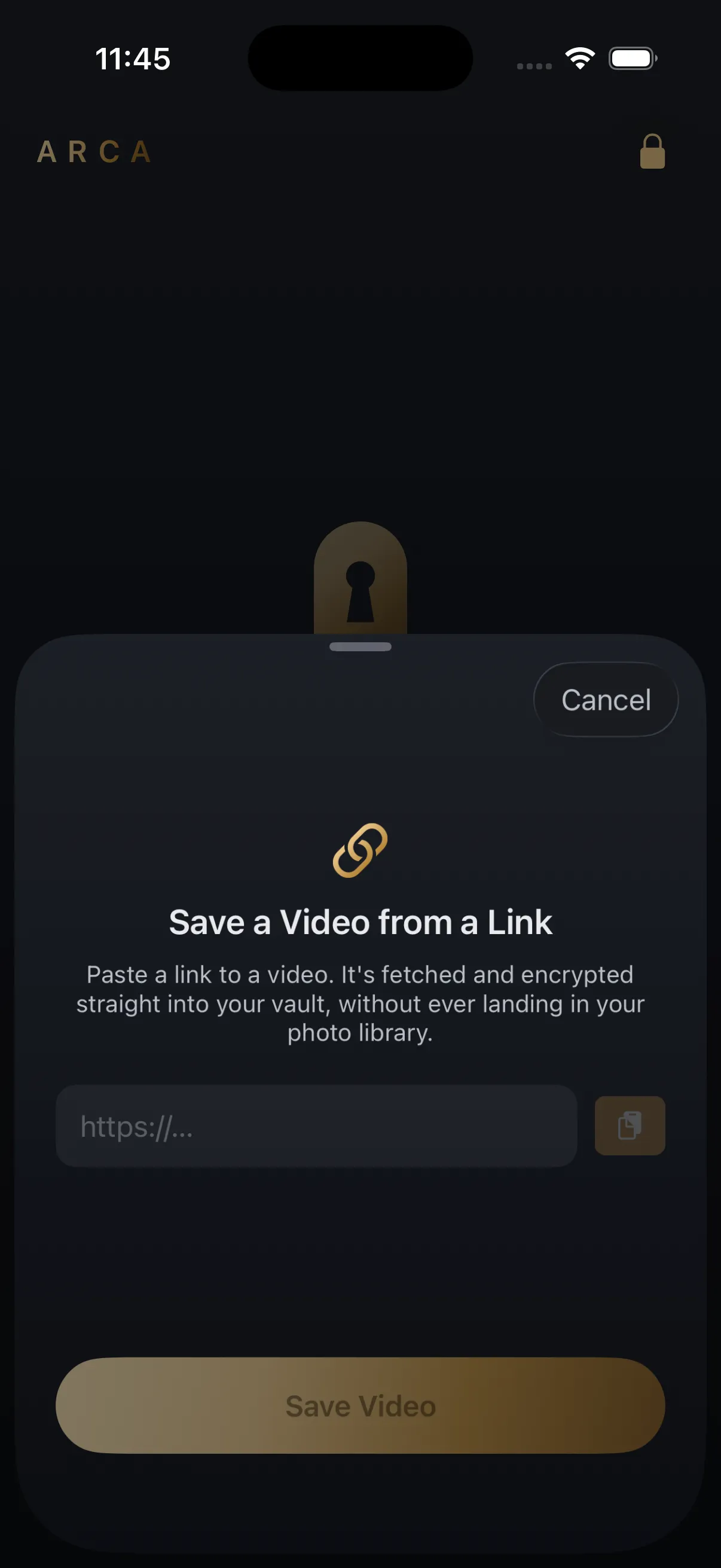
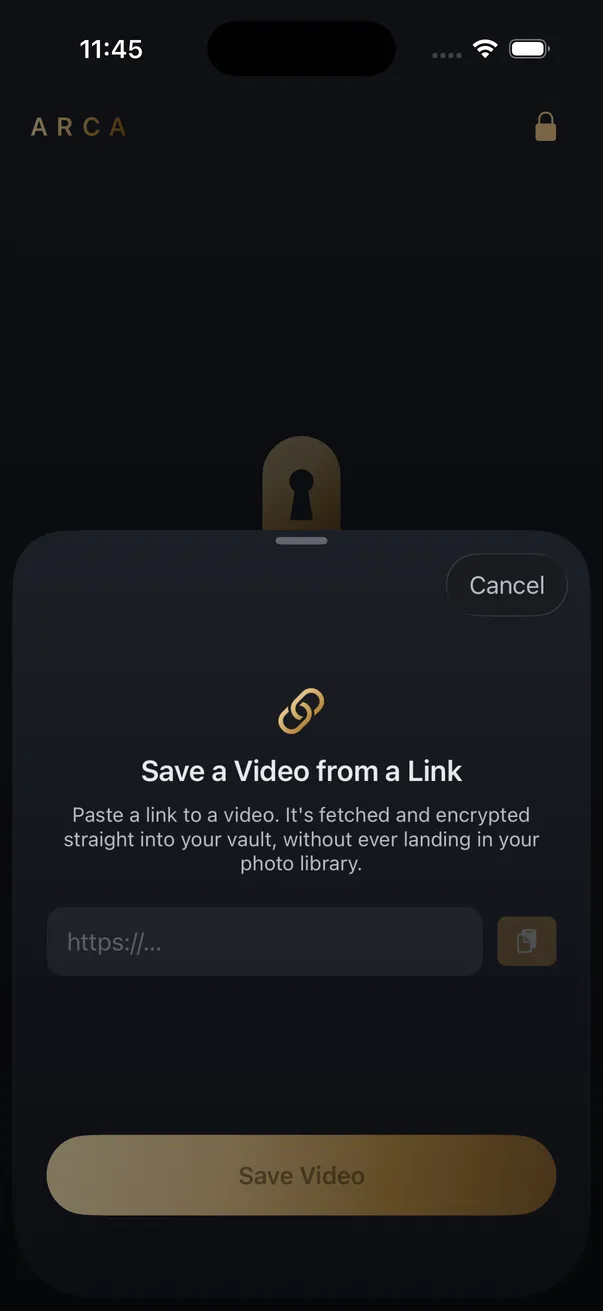
In the app, Save from Link fetches the video straight into the encrypted vault and it never lands in the Camera Roll. It handles video, so audio-only output stays a website job. Share a link to the app rather than pasting it and it is staged instead, showing as saved for later until the next time you unlock.
Save what you have the right to save: your own uploads, content the platform allows you to keep, public posts for personal offline viewing. Instagram’s terms still apply to you, and none of this is a way around a private account.
Inside Arca the files are encrypted on the device with AES-256-GCM, under a key derived from your PIN with Argon2id. There is no Arca account or hosted copy of your vault, which is also where the limits sit: forget the PIN and nothing comes back, and a vault handed over while it is unlocked is just an open folder.
Frequently asked questions
Can any app download an Instagram Story without a login? +
No. Stories are delivered only to authenticated sessions, so there is no address a logged-out request can reach. Any tool that offers them is either using an account you gave it or an account someone else gave it.
Is it safe to give a Story downloader my Instagram login? +
Treat it as handing over the account rather than a password. A live session can read messages, see the archive and post, and it keeps working until you revoke it in Instagram's security settings. Two-factor guards the login, not the session that login creates.
Can I save my own Story? +
Yes, and from Instagram itself. The app keeps your past Stories in an archive and lets you save one back to your phone. That path involves no third party at all, which makes it both the easiest and the safest one.
Keep reading

Security
Is a GitHub Video Downloader Safe to Use?
Safer than a random downloader site on one specific axis, because the script runs on your own machine and your link never passes through anyone else's server. The risk does not vanish, though. It moves to which repository you installed, and to the fact that none of it runs on a phone.
Guides
Why Won't a Video From X Download?
A video on X can refuse to download even when the post is public. Usually it's one of five things: a protected account, a sensitive-media flag, a deleted post, a quoted post, or a link card that was never an X video.
Guides
Is a Reels Downloader App Safe? What to Check First
Most Reels downloader apps are not malware. The risk is in what they ask for: your Instagram login, full Photos access, a weekly subscription. Here is what to check on the App Store page before you install one.
Your photos. Truly private.
Keep your photos in an encrypted vault on your iPhone, with no Arca account or automatic vault upload.
Free to download · iPhone · iOS 18+