
Guides
Is a Reels Downloader App Safe? What to Check First
Most Reels downloader apps are not malware. The risk is in what they ask for: your Instagram login, full Photos access, a weekly subscription. Here is what to check on the App Store page before you install one.
Usually yes, as far as malware goes. App Store review screens for that. What review does not screen for is overreach, and downloader apps overreach in predictable ways: they ask for your Instagram login, full access to your photo library, or a weekly subscription before you have seen a single download work. Check those before you install one.
What a Reels downloader app actually needs
To save a public Reel, an app needs the post link and nothing else. It sends that link to a resolver, gets back the video file and saves it. Anything beyond that is a feature you should be able to name, and if you can’t, count it as a cost.
Here is what the App Store page and the first launch usually reveal.
| What it asks for | Needed to save a public Reel? | What it really gets |
|---|---|---|
| The Reel’s link | Yes | The one post you chose |
| Your Instagram login | No | Your account, your DMs and your follows |
| Full Photos access | No | Every photo and video on the phone |
| Tracking permission | No | Your activity across other apps |
| A weekly plan on the first screen | No | Recurring charges before you have tried it |
Red flags on the App Store page
- A login screen for Instagram. Public Reels play for anyone who is logged out. An app that needs your session is after your session. Stories need it too, and that’s why Story downloaders ask for your login and why you shouldn’t give it.
- A “Data Linked to You” label that covers contacts, location or identifiers. The privacy label is self-reported, but a long list tells you how the app pays for itself.
- A paywall before the first test. A paid tier is fine. Showing the price before you know the app works on your link is a pressure tactic.
- Promises about private accounts or paid content. Those are gated for a reason. A tool that claims to get around the gate is either lying or doing something you do not want tied to your account.
Where the saved Reel ends up
Most downloader apps save to your Camera Roll. Adding a video there only needs add-only Photos access, so an app asking for your whole library wants more than the save. Saving there also means every saved Reel shows up in Memories and in the photo picker of every other app, and it syncs to iCloud Photos if that’s switched on.
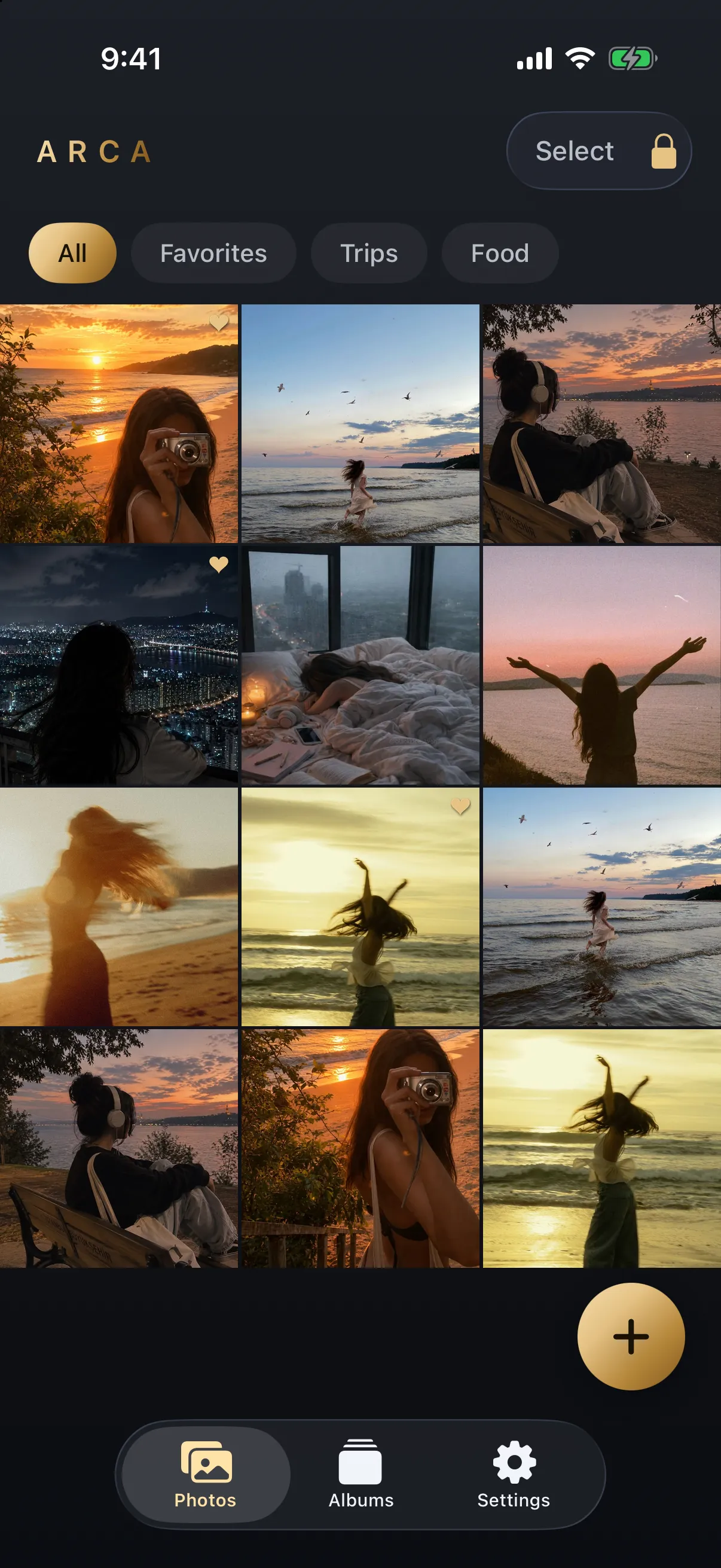
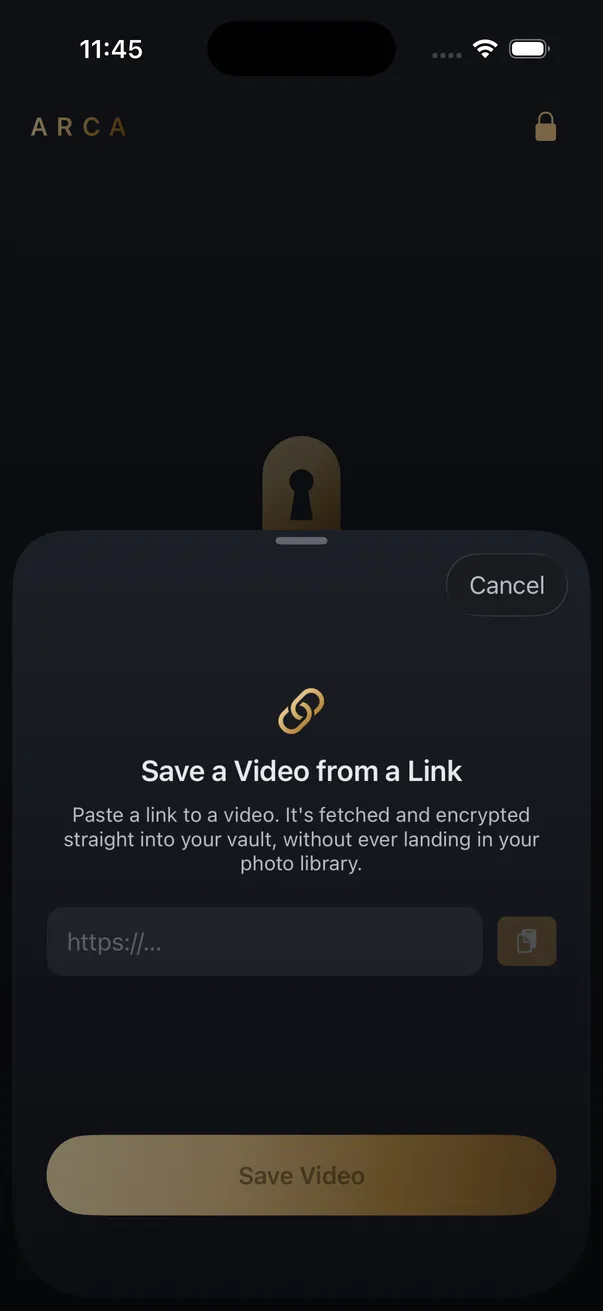
Arca takes the other route. Save from Link, a premium feature, sends the link to a resolver, downloads the video and encrypts it on the device with AES-256-GCM. The key comes from your PIN via Argon2id. There’s no account, and there’s no hosted copy of the vault. That protects the saved file from someone browsing your photos, but not from someone you hand an unlocked phone to, and a forgotten PIN can’t be recovered. The app saves video only. For audio, the YouTube to MP3 page is a website feature.
Website or app
For an occasional Reel, the Instagram download page does the job with no install, no login and no Photos permission. The MP4 goes to Files. An app earns its place if you save often and want the videos kept apart from your camera roll.
Either way, save only what you have the right to keep: your own Reels, or public posts for personal offline viewing. Instagram’s Terms of Service still apply to you, whichever tool you use.
Frequently asked questions
Is it safe to log in to Instagram inside a downloader app? +
Avoid it. A public Reel can be fetched without any account, so a login request means the app wants your session, not the video. That session can post, follow and read messages as you.
Can a Reels downloader app download Stories or private posts? +
Not without your Instagram session, which is exactly what you should not hand over. Stories and private accounts are only served to signed-in users. Apps that promise them are asking for your login.
Do I need an app at all to save a Reel? +
No. A website works for public Reels, and the file lands in Files through Safari. An app is worth it only if it keeps the saved videos somewhere better than your Camera Roll.
Keep reading

Comparisons
Same Clip, Four Platforms: Which Copy Should You Save?
One clip, four places, four different files. The Reel comes back at 1080x1920, the TikTok it was reposted from at 576x1024, the Facebook copy usually at 720p. Where you copy the link from decides what you keep.
Security
Is a GitHub Video Downloader Safe to Use?
Safer than a random downloader site on one specific axis, because the script runs on your own machine and your link never passes through anyone else's server. The risk does not vanish, though. It moves to which repository you installed, and to the fact that none of it runs on a phone.
Guides
Which Link Should You Copy to Download a Video?
Whatever the Share menu hands you, tracking tail and all. The links that fail are failing for a different reason: they point at a playlist, a profile, or something behind a login. Here is the shape each platform expects.
Your photos. Truly private.
Keep your photos in an encrypted vault on your iPhone, with no Arca account or automatic vault upload.
Free to download · iPhone · iOS 18+