
Security
Is a Video Downloader Browser Extension Safe?
An extension that saves videos has to read every page you open, and it can change what it does months after you install it. What the permission means, what happened to 130,000 people this spring, and what to use instead.
Usually not, and the problem is structural rather than one bad extension. To find a video on a page, a downloader extension needs permission to read every page you open, and it keeps that permission through updates you never see. A website or app that only sees the link you hand it is a smaller risk.
What the permission prompt is really asking
When you add a downloader extension in Chrome or Edge, the prompt usually says it can read and change all your data on the websites you visit. That wording is accurate. The extension has to watch every page to spot a video, so it gets the same view of your bank and your email as it has of the video page. Nothing separates the tabs.
Safari on iPhone is stricter: an extension asks per site, and you can allow it for a day rather than forever. It is still the same deal. The extension reads the page, and you are trusting whoever wrote it with what it reads.
What happened to 130,000 people this spring
In April 2026 the browser security firm LayerX documented a campaign it called StealTok: 12 related extensions in the Chrome Web Store and Edge Add-ons, all presented as TikTok video downloaders, with more than 130,000 users between them. The biggest, TikTok Video Keeper, had around 60,000 installs. Several carried the store’s Featured badge.
The part worth sitting with is that they worked. They downloaded TikTok videos, often without the watermark, and did so for months. Underneath, they fingerprinted the browser (language, timezone, user agent, even battery level) and fetched instructions from a server the operators controlled, so what an extension did could change after you installed it with no new version passing through store review. LayerX found the invasive behaviour typically arrived six to twelve months after an extension was first published. The four largest have since been removed from the stores. Some of the smaller ones were still live when the report went out. Saving a TikTok in the browser needs nothing installed.
Why an extension can turn on you later
Two things a website and an app cannot do as easily. An extension updates itself silently, so the version reviewed on install day is not the version you have a year later. And extensions get sold. A developer with a large install base is holding something with a price, and the buyer inherits every permission you already granted. Neither requires anyone to trick you twice. You said yes once, to a downloader.
Website, extension, or app: what each one can see
| Website | Browser extension | iPhone app | |
|---|---|---|---|
| Sees the link you paste | Yes | Yes | Yes |
| Sees your other tabs | No | Yes, every one | No |
| Keeps running after you leave the page | No | Yes | Only while open |
| Can change behaviour without you noticing | Only within its own page | Yes, through silent updates | Only through an App Store update |
A website still has real risks, mostly the ads around it, which we covered separately. The difference is scope. A page can only act on the page. An extension acts on everything. An app sits in between: it can be updated too, but every update passes App Store review, and the app sees only what you share into it, which for a downloader is one link at a time. Our Facebook downloader is the website column: it sees the link and nothing else.
Where Arca fits
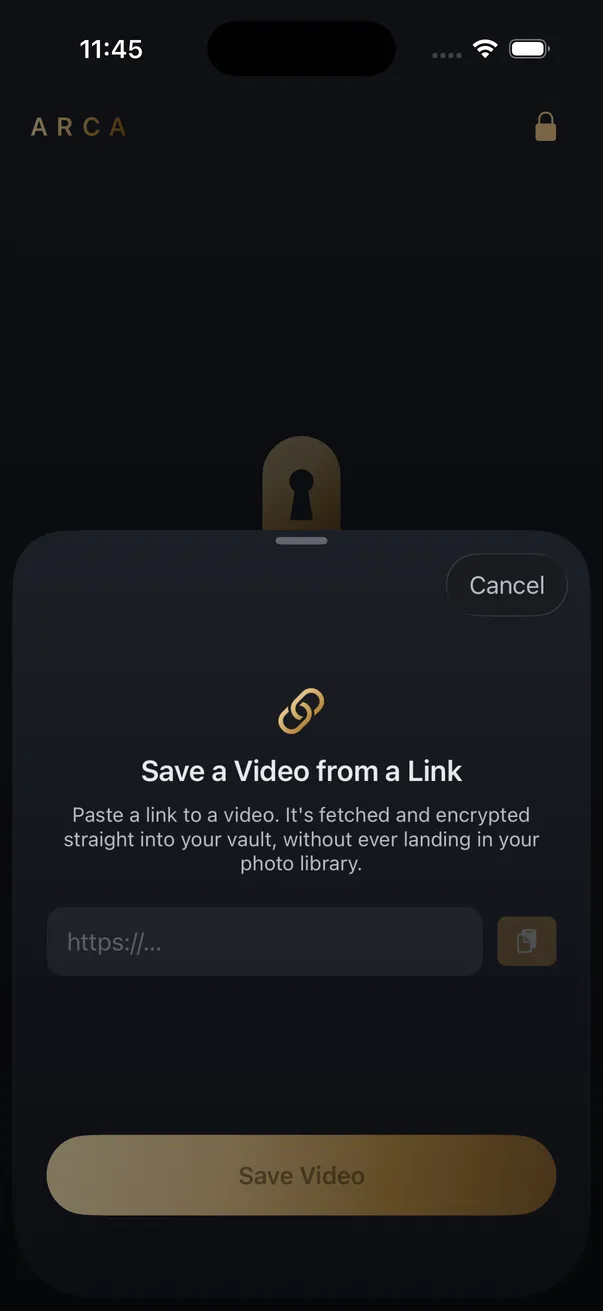
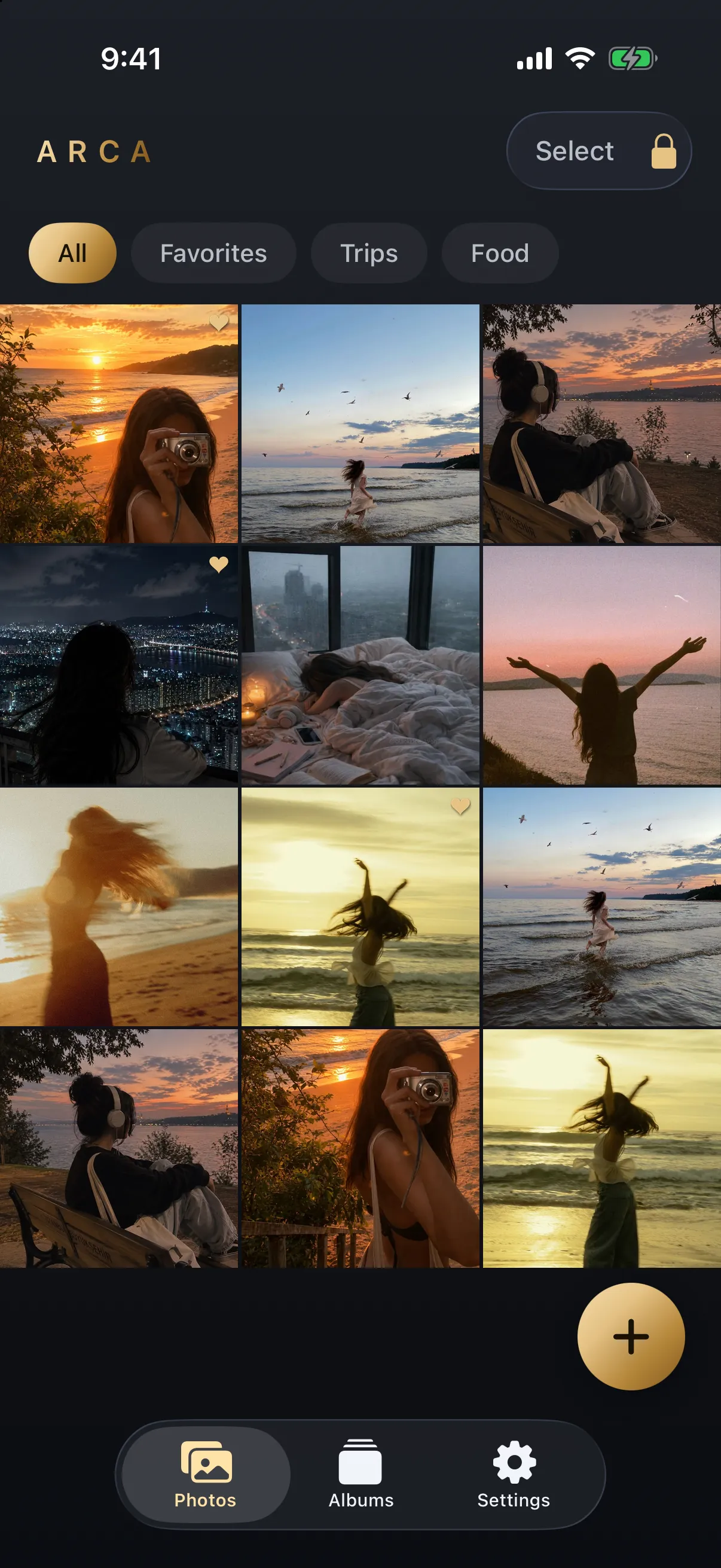
Arca is the app column. You share a link from Safari or paste it, and the video downloads straight into the vault, encrypted on the way in with AES-256-GCM under a key derived from your PIN with Argon2id. There is no account and no extension. The link itself still goes to a resolver, as it does with every downloader, and that is the one thing the app shares; the file is kept only on your phone. What it cannot do is reach anything a platform serves only to logged-in users, and it makes no claim about your browser’s own safety. Save what you have the right to save — your own uploads, content a platform offers for download, public posts kept for personal offline use — and remember that the platform’s terms still apply to you.
Frequently asked questions
Can a downloader extension see my passwords? +
It can read what is on any page it has permission for, including what you type into it. A downloader that asks for all websites has that reach on your bank's login page as much as on the video page. It does not get your browser's saved-password store, but it does not need it.
Are downloader extensions on Safari safer than on Chrome? +
Somewhat. Safari asks per site and lets you allow an extension for one day instead of permanently, so the damage from a bad one is smaller. The extension still reads every page you allow, so the question of who wrote it and who owns it now does not go away.
Does an app like Arca see my browsing? +
No. It receives only the link you share or paste. That link is resolved by a server, as with every downloader, and the video is stored encrypted on your phone. Nothing about your other tabs or sites reaches the app.
Keep reading
Security
Are Free Video Downloader Sites Safe?
The risk in a free downloader is rarely the video file. It's the page around it, the installer it offers you, and the fact that somebody has to pay for the bandwidth. Here's what happens to the link you paste, and the checks that take nine seconds.
Guides
Why Video Downloader Sites Keep Disappearing
Rarely for one reason. Platforms change how video is delivered, the servers these tools run on get blocked by the hosts they fetch from, and the domains rotate faster than search results update. Here is what actually breaks, and why the name you remember is the riskiest part.

Guides
How to Find Where a Downloaded Video Came From
Most downloaded videos carry their source in the filename: a post ID, a shortcode or a handle. Here is how to turn each one back into the original link, and what to do when the name is gone.
Your photos. Truly private.
Keep your photos in an encrypted vault on your iPhone, with no Arca account or automatic vault upload.
Free to download · iPhone · iOS 18+