
Guides
Why Won't a Downloaded Video Play on Your iPhone?
Almost always the file is a WebM or an MKV, and iOS has no player for either. The download worked. The format is wrong for the device, and converting it afterwards costs you picture quality.

The file is almost certainly a WebM or an MKV. iOS plays H.264 and HEVC inside an MP4 or MOV container and has no player for anything else, so the download itself worked. The format is simply wrong for the device. Converting it afterwards works, and it costs you a little picture quality.
What an iPhone will actually open
Two things have to be right: the container the file is wrapped in, and the codec inside it. Get both and the video opens in Photos, in Files, in Messages. Miss either and you get a grey box, a spinner that never resolves, or nothing at all.
| What you downloaded | Opens in Photos and Files | What to do |
|---|---|---|
| MP4 with H.264 and AAC | Yes | Nothing |
| MOV with HEVC | Yes | Nothing |
| WebM with VP9 or AV1 | No | Get the MP4 version instead |
| MKV | No | Get the MP4 version instead |
One thing muddies this. A browser will often play a WebM embedded in a web page, using decoders it ships itself, which tells you nothing about what happens to the saved file.
Where the wrong format comes from
Browser-based downloaders pass on whatever stream the platform was already serving them, and most large platforms serve VP9 in a WebM container to desktop browsers because it costs them less to deliver. That is what those tools capture, and what lands on your phone. Nothing is broken. The file was simply built for a browser.
It is the same shape of problem as a download that arrives silent, where the picture and the sound were stored separately and only one got collected. That one is covered in why a downloaded video has no sound.
Three ways out, and they are not equal
- Play it where it works. VLC or the Documents app opens a WebM or an MKV as it stands. Quick and free, though you still have a file you cannot edit, preview, or pass to anyone without the problem repeating.
- Convert it to MP4. Handbrake or any converter app re-encodes the video. This works. It also compresses an already-compressed file a second time, which is the same tax described in why downloaded videos look worse.
- Get an MP4 to begin with. Nothing to fix, nothing lost. The YouTube downloader returns H.264 in an MP4 at the source resolution, up to a 1080p ceiling.
When the format is not the problem
A file that shows zero bytes, or stalls partway, was never finished. A download interrupted by a dropped connection or a login wall often still leaves something on disk, just not a playable something. Check the size before blaming the codec.
The other case is a download made inside a streaming service’s own app. That is a licensed copy, not a file, and by design it plays only in the app that fetched it.
Where Arca fits
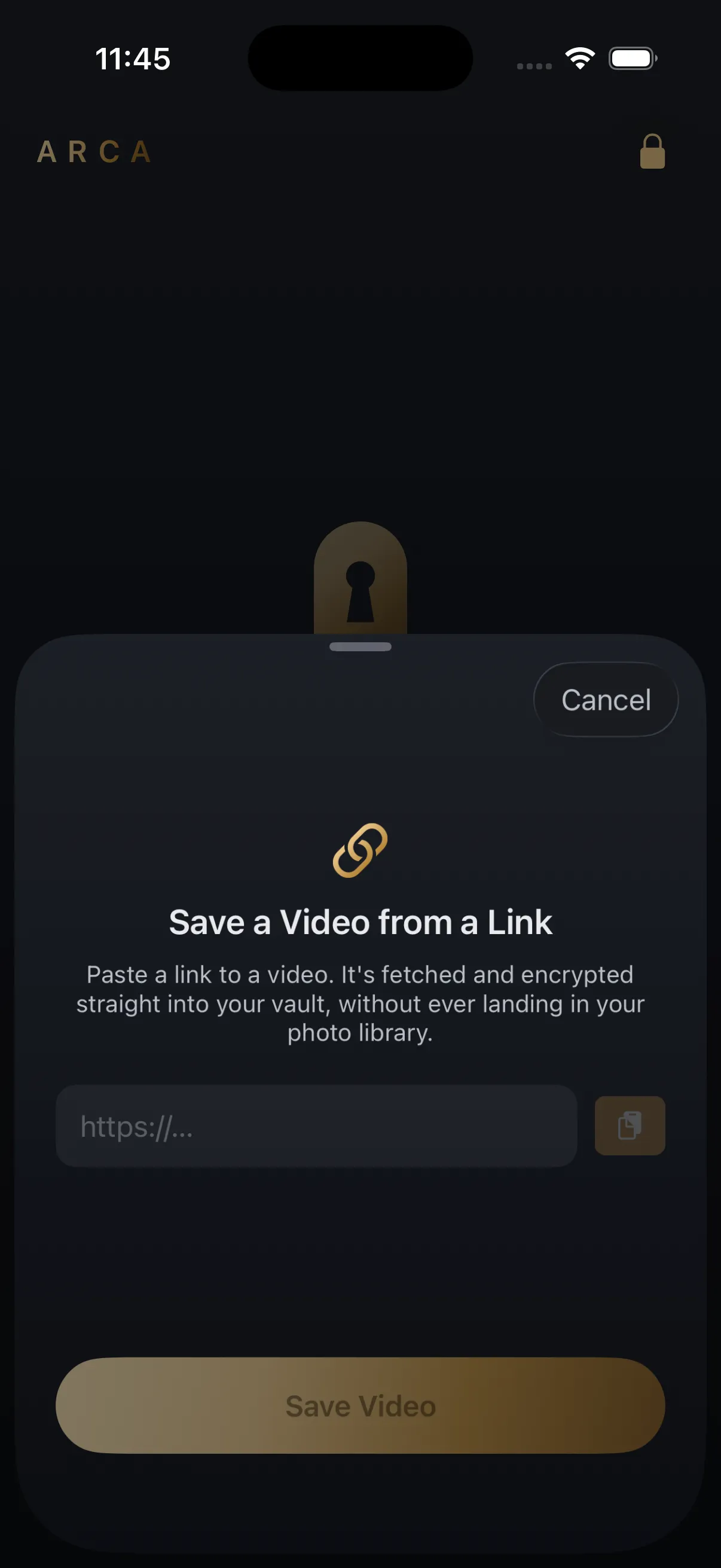
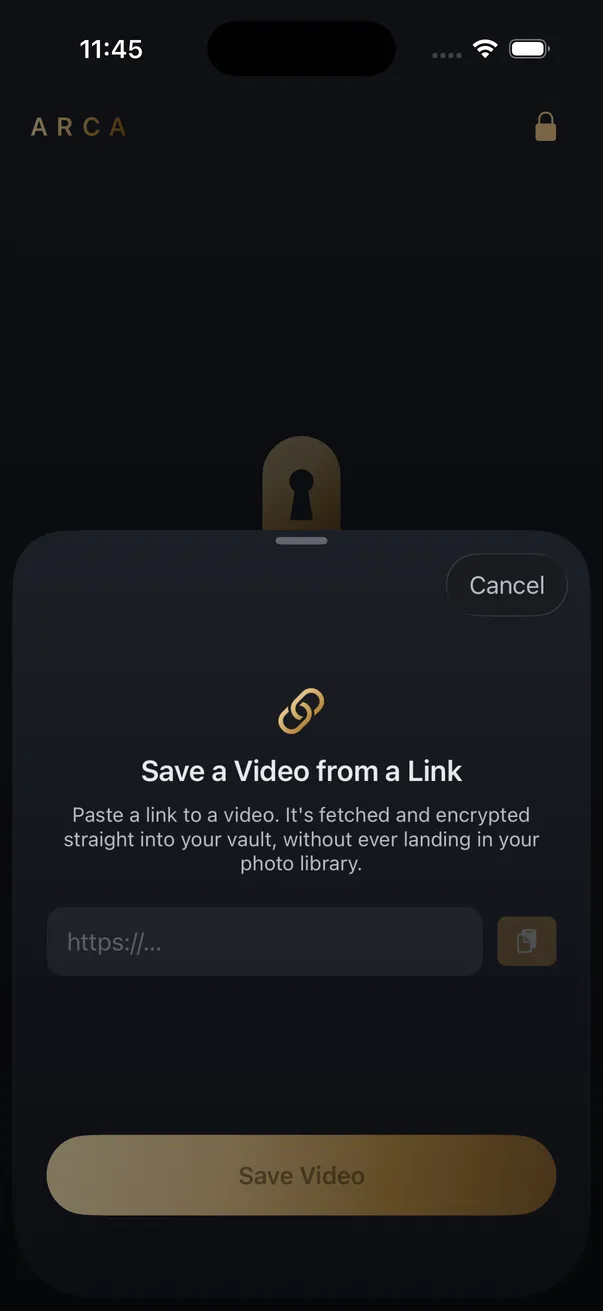
Arca’s Save from Link hands back a finished H.264 MP4 with its audio attached, at the source resolution up to a 1080p ceiling. It plays in the app’s viewer and it plays everywhere else on the phone, because it is the format iOS was built around.
The file lands in an encrypted vault instead of your Camera Roll. Each one is encrypted with AES-256-GCM under a key derived from your PIN using Argon2id, and it all stays in the app’s container on your device, with no automatic vault upload or Arca account. The limits are the ordinary ones: nothing is recoverable if you forget your PIN, and it protects files at rest rather than a vault already open in front of someone. The security page sets out the full model.
Save what you have the right to save: your own uploads, content a platform’s own tools let you keep, and public posts kept for personal offline viewing. Platform terms still apply to you.
Get Arca on the App Store to keep saved videos in an encrypted vault instead of your Camera Roll.
Frequently asked questions
Why does the video play in a browser but not once I save it? +
Because two different players are involved. Safari carries its own decoders for playback inside a web page, while a file sitting in Files or Photos is handed to the system, which supports a narrower list of formats. The same video can therefore play in one place and refuse in the other.
Does converting a WebM to MP4 lose quality? +
A little, yes. The video was already compressed when the platform stored it, and re-encoding compresses it a second time. For a clip you just want to watch, the loss is not worth worrying about. For anything you intend to keep, downloading it as an MP4 in the first place avoids the second pass entirely.
Can an iPhone play MKV files at all? +
Not through Photos or Files. A third-party player such as VLC will open one, but iOS itself has no MKV support, so anything that relies on system playback still fails: previewing it in Messages, opening it in an editor, or sharing it into another app that expects a standard video.
Keep reading
Guides
How to Find Where a Downloaded Video Came From
Most downloaded videos carry their source in the filename: a post ID, a shortcode or a handle. Here is how to turn each one back into the original link, and what to do when the name is gone.
Guides
Is a Reels Downloader App Safe? What to Check First
Most Reels downloader apps are not malware. The risk is in what they ask for: your Instagram login, full Photos access, a weekly subscription. Here is what to check on the App Store page before you install one.
Security
Is a GitHub Video Downloader Safe to Use?
Safer than a random downloader site on one specific axis, because the script runs on your own machine and your link never passes through anyone else's server. The risk does not vanish, though. It moves to which repository you installed, and to the fact that none of it runs on a phone.
Your photos. Truly private.
Keep your photos in an encrypted vault on your iPhone, with no Arca account or automatic vault upload.
Free to download · iPhone · iOS 18+