
Guides
Does a Download Keep Going When You Lock Your Phone?
Sometimes, and it depends on the app rather than the file. Here is what locking, app-switching and force-quitting each do to a transfer in progress.

Sometimes. A transfer the system is carrying for an app, the kind Safari and the App Store use, keeps running while your screen is locked. A transfer running inside an app usually stalls within seconds of that app leaving the screen. Force-quitting ends both. Which one you have is a property of the app, not of the file.
Two kinds of download, one word for both
Some apps register a transfer with iOS and step back. The system owns it from there, moves the bytes on its own schedule, and wakes the app when there is a finished file to collect. This is why an App Store update lands while your phone sits face down on a table.
Other apps read the bytes themselves as they arrive. Nothing is delegated, so nothing continues without the app. Both are called downloading and look identical from the outside, which is why the same question gets opposite answers.
What locking the screen actually does
Locking is not a pause. To the app it is the same event as switching to another app: it leaves the screen, gets a short grace period measured in seconds, and is then suspended. A suspended app is still in memory but receives nothing, so an in-process transfer stops advancing until you come back.
| What you do | System-carried transfer | In-app transfer |
|---|---|---|
| Lock the screen | Continues | Stalls after a few seconds |
| Switch to another app | Continues | Stalls after a few seconds |
| Come back to the app | Already further along | Resumes or restarts |
| Swipe the app away | Cancelled | Cancelled |
Low Power Mode sits underneath all of it, throttling background work, so a transfer you assumed ran overnight may have idled instead.
The silence before the first byte
Long videos add their own confusion. A source that only exists as thousands of small streaming segments has to be assembled into one finished MP4 before a single byte can be sent to your phone, and during that assembly the progress bar has nothing to report. Minutes of apparent nothing is the work happening somewhere else rather than a stall, and leaving the app during that window is what actually kills it. If it fails outright rather than sitting quiet, the usual reasons are worth a look.
Why a vault app keeps the transfer in the app
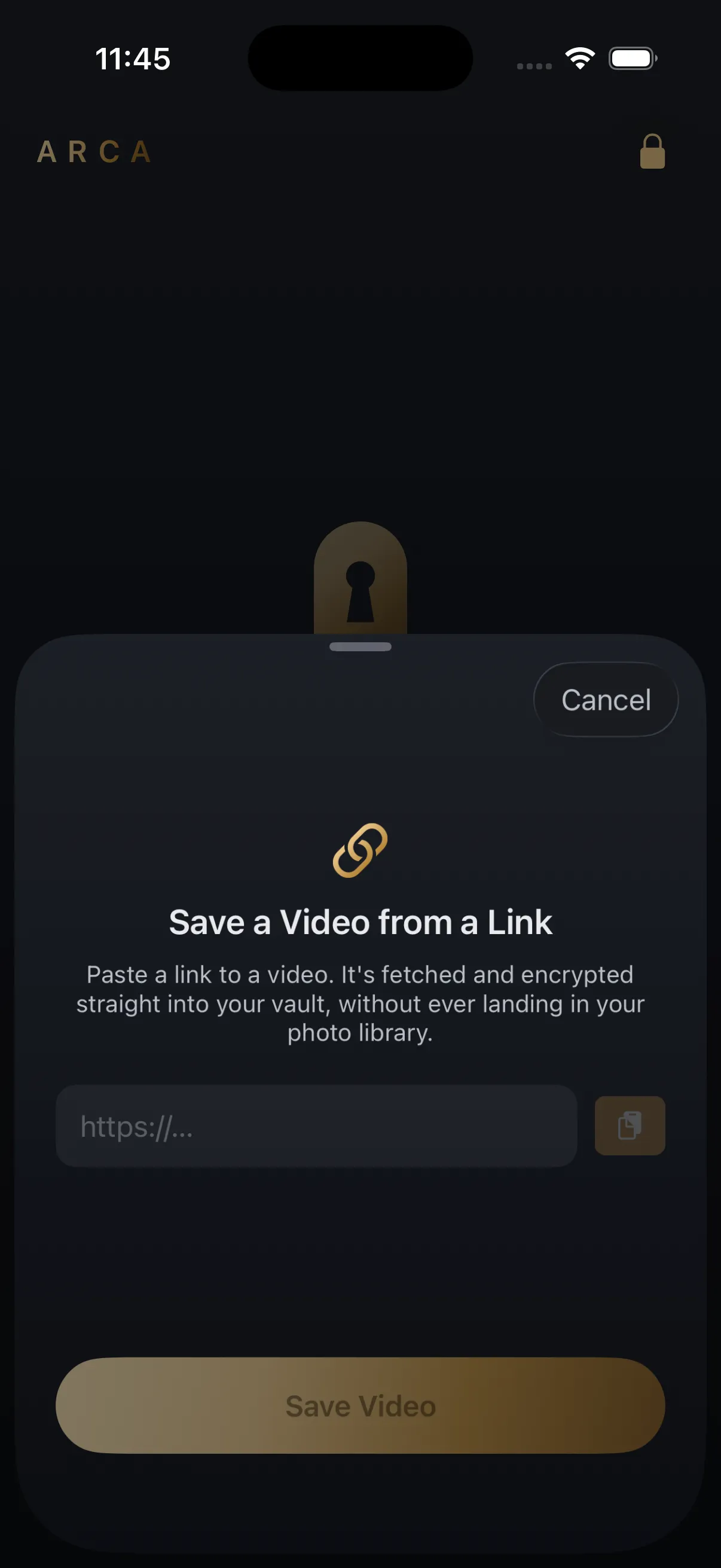
Handing a download to the system costs something a privacy app cannot pay. The system writes the incoming file to a staging location of its own, in the clear, outside anything the app encrypts. For a photo vault that is the whole promise gone for the length of a download.
So Arca streams the bytes itself into a file it creates with protection already on, and accepts the trade: for a long video, keep the app on screen. In practice that means
- start long saves on Wi-Fi with Arca open, and short clips wherever you like, since most finish before the question matters
- expect an hour of video to take real time, especially from longer YouTube uploads
- never swipe the app away to hurry it along
- paste the link again if it died while you were elsewhere, because the partial file is deleted rather than kept
Where Arca fits
What arrives is encrypted on the way in: AES-256-GCM with an Argon2id-derived key, no automatic vault upload or Arca account, and no trip through your photo library. That protects the file once it is in the vault. It does not change what the platform you took it from allows, and it makes no claim about anything you saved somewhere else first. Save what you have the right to save — your own uploads, content a platform offers for download, public posts kept for personal offline use — and remember that the platform’s terms still apply to you.
Frequently asked questions
Why does Safari keep downloading when I lock my phone but another app does not? +
Safari hands the transfer to iOS, which carries it whether or not Safari is on screen. An app that streams the bytes itself has to be running to receive them, so it stalls shortly after you leave.
Does swiping an app away make its download finish faster? +
No, it cancels it. Force-quitting ends transfers the system was carrying for the app as well as ones running inside it, so it is the one action that stops a download in every case.
Do I lose the part that already downloaded? +
In Arca, yes, and deliberately. A failed transfer deletes its partial file rather than leaving half a video on disk, so you paste the link again and start clean.
Keep reading
Comparisons
Same Clip, Four Platforms: Which Copy Should You Save?
One clip, four places, four different files. The Reel comes back at 1080x1920, the TikTok it was reposted from at 576x1024, the Facebook copy usually at 720p. Where you copy the link from decides what you keep.
Guides
Why One Video Downloads in Seconds and Another Takes Minutes
Two downloads on the same phone, the same wifi, the same afternoon, and one of them takes forty times longer. Almost none of that gap is your connection. Here is what the wait is actually made of.
Guides
Why Won't a Video From X Download?
A video on X can refuse to download even when the post is public. Usually it's one of five things: a protected account, a sensitive-media flag, a deleted post, a quoted post, or a link card that was never an X video.
Your photos. Truly private.
Keep your photos in an encrypted vault on your iPhone, with no Arca account or automatic vault upload.
Free to download · iPhone · iOS 18+