
Privacy
Do Live Photos Record Sound?
A Live Photo is a still image plus about three seconds of video, and that clip carries an audio track. Here's what travels when you share one, and how to send just the picture.

Yes. A Live Photo is a still image plus roughly three seconds of video — about 1.5 seconds before you tapped the shutter and 1.5 seconds after — and that clip carries an audio track. Send someone the original and they can hear whatever was being said around you when you took it.
What a Live Photo actually holds
Apple describes it plainly: your iPhone records what happens 1.5 seconds before and after you take a picture. What you end up with is two things stored together: a full-resolution still, and a short movie with sound.
The part people miss is the before. The camera is already buffering while you frame the shot, so the recording covers the seconds when you were lining things up and not yet thinking of yourself as being recorded. That is usually where the talking is.
You can confirm this on your own phone in about five seconds. Open a Live Photo, tap Edit, and look for the mute button. That control exists because there is an audio track to mute.
What travels when you share one
| How you send it | Does the motion and audio go too? |
|---|---|
| Messages or AirDrop to an Apple device | Yes, it arrives as a Live Photo |
| A shared iCloud album | Yes |
| Uploading to most social apps | Usually flattened to a still, or re-encoded as a video |
| Email, and many non-Apple apps | Usually just a still image |
| A screenshot of the photo | Still only |
The honest answer is that it depends on what the receiving app does with the file, and that behaviour changes between app versions without anyone announcing it. Which is the argument for handling this at your end rather than guessing at theirs.
How to send only the picture
- Turn it off in the share sheet. Open the photo and tap the yellow Live badge in the top-left corner to set it to Off. What you send is a still.
- Or make a still copy. Press and hold the photo, choose Duplicate, then Duplicate as Still Photo, and share that copy. The original keeps its motion.
- Muting is not the same thing. Muting drops the sound, but the motion still travels. If you want neither, convert to a still.
- Stop capturing them at all. In the Camera app, tap the Live Photos button to switch it off. It springs back on by default, so go to Settings, then Camera, then Preserve Settings, and turn on Live Photo to make the choice stick.
What this fixes, and what it does not
Converting to a still controls one share at the moment you make it. It does nothing about copies you have already sent, because those are on someone else’s phone now, and it does not change what is sitting in your own library or going up in your iCloud backup.
It is worth keeping the size of this in proportion. Most Live Photo audio is ambient noise rather than anything revealing. This is a habit worth having when you are photographing people in your home or around a conversation you would not repeat, not a reason to be uneasy about your camera roll. Location is a separate payload with its own fix, covered in how to remove location data from your iPhone photos, and the wider question is in how to send private photos.
Where Arca fits
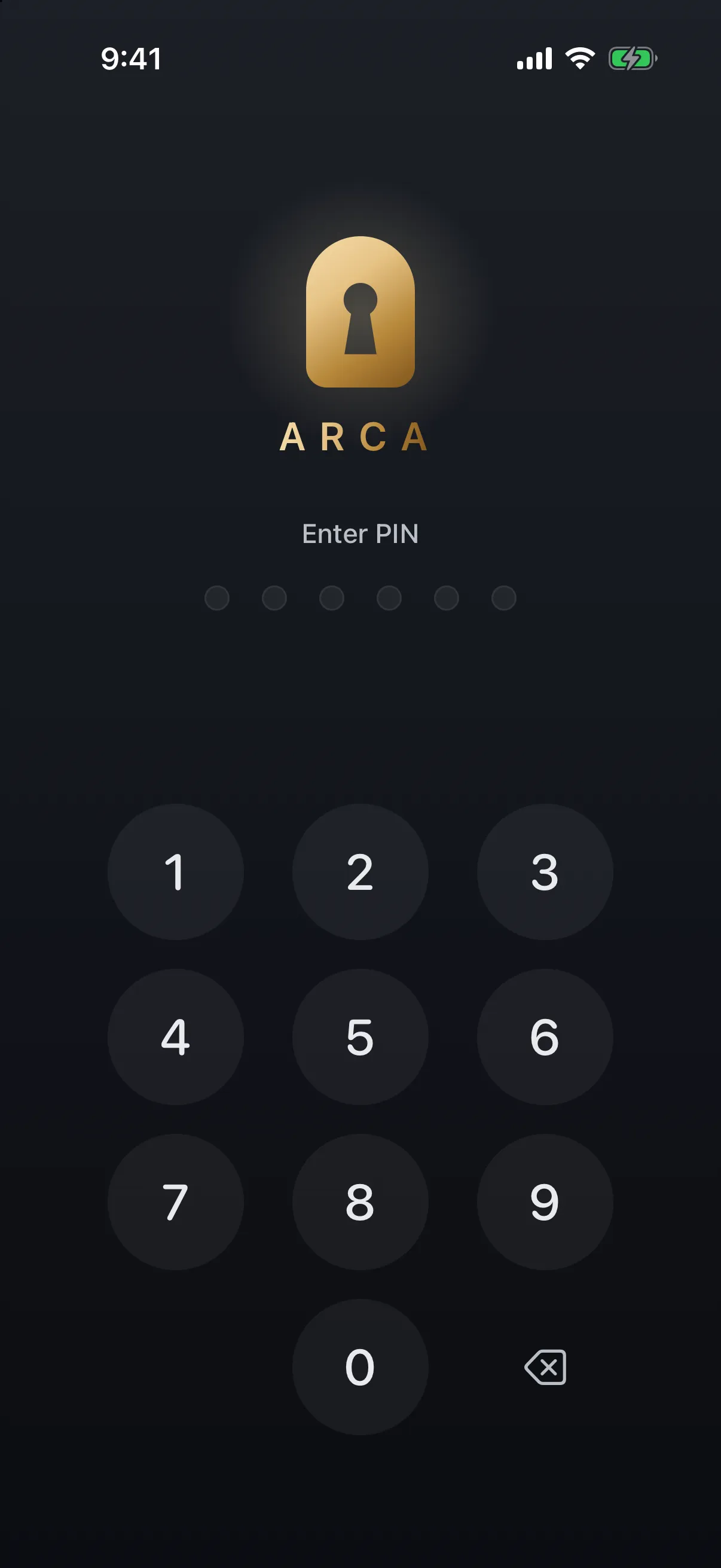
Arca protects the copy you keep, not the one you already sent. Photos you move into the vault are encrypted on the device with AES-256-GCM, using a key derived from your PIN with Argon2id, inside the app’s own container — no Arca account or automatic vault upload. The full model is on our security page.
The limits, plainly. A vault protects what you actually move into it, not what stays in your camera roll, and it cannot reach into a message you have already sent or strip the audio from a Live Photo you share out of Photos. With no hosted copy of the vault, nothing is recoverable if you forget your PIN.
Get Arca on the App Store to keep the photos that matter out of the library you share from.
Frequently asked questions
Do Live Photos record sound even when my phone is on silent? +
Yes. The ringer switch controls what your phone plays, not what the camera captures, so a Live Photo taken in silent mode still has an audio track. You mute it afterwards in the Photos editor, or convert the photo to a still before you share it.
Does turning off Live Photos delete the ones I have already taken? +
No. Turning it off only changes what the camera captures from that point on. Photos you already took keep their motion and audio until you deal with them individually, either by muting them in the editor or duplicating them as still photos.
If I send a Live Photo to someone on Android, can they hear the audio? +
Usually not. Sent outside Apple's ecosystem it generally arrives as a plain still image or a regular video, depending on the app doing the sending and receiving. That is a side effect of how apps handle the format rather than a privacy setting, so it is not something to rely on. Convert it to a still if it matters.
Keep reading
Privacy
Your Photo Widget Is Showing People Your Photos
A Photos widget picks from your whole library and puts the result on a screen anyone can see from across a table. Here's how to narrow what it draws from.
Guides
How to Find and Take Back Photos You've Shared
Shared albums outlive the occasion, iCloud links run on a 30-day clock, and most people have no idea what's still open. Here's how to audit all of it, and the one thing revoking can't undo.
Privacy
Should You Keep Photos of Your Passport on Your Phone?
Almost everyone has a photo of an ID, a bank card or a document somewhere in their camera roll. The risk is real but it isn't the one the scare articles describe, and the fix takes about ten minutes.
Your photos. Truly private.
Keep your photos in an encrypted vault on your iPhone, with no Arca account or automatic vault upload.
Free to download · iPhone · iOS 18+