
Guides
Your MP3 Downloaded. Why Isn't It in the Music App?
The file is fine. It landed in Files, and the Music app never reads Files. Here is what plays an MP3 on an iPhone, and why the converter you used was only ever doing half the job.
Because the Music app never looks there. An MP3 you convert in a browser lands in the Files app, and Music only lists what you bought, what Apple Music streams, and what you synced across from a computer. The file arrived intact. It arrived somewhere Music does not read.
Music only shows you its own library
The Music app is not a file browser. Its library fills up three ways: purchases from the iTunes Store, an Apple Music subscription, and media synced over from a Mac or PC. Nothing on the phone goes hunting for loose audio files to add.
So an MP3 sitting in Files is not broken, and it is not half-downloaded. It is just not in the app people check first, and no amount of reopening Music will change that.
What actually plays it
| Where you open it | What it gives you | The catch |
|---|---|---|
| Files app | Tap the MP3 and it plays right there | One file at a time, no library, no playlist |
| A media player app | A library view, playlists, playback that keeps running | You put the file into it yourself |
| Music app | Purchases, Apple Music, anything synced from a computer | It never reads the Files app |
| Arca | Video saved from a link, played inside the vault | Audio-only files are not part of it |
For a lecture or a podcast episode you will hear once and delete, the Files player is enough on its own. Nothing else needs installing, and the file stays in the folder it arrived in.
A converter and a player are two different jobs
People search for them as one thing. They are not one thing: conversion ends the moment the file exists, and playback starts with a program that knows where that file is. Deciding which half you actually need takes about ten seconds.
- Want the track sitting beside your music? A player app or a sync from a computer is the only route. No converter can put a file into the Music app.
- Only need to listen once? Open Files, tap it, done.
- Care about the quality? The YouTube to MP3 converter returns 128 kbps at 48 kHz, which is plenty for speech and no substitute for buying a track you love.
- Cannot find the file at all? Check Safari’s downloads list before you assume the download failed. Where downloaded videos go on iPhone walks through the three places anything can land.
Video is the half Arca keeps private
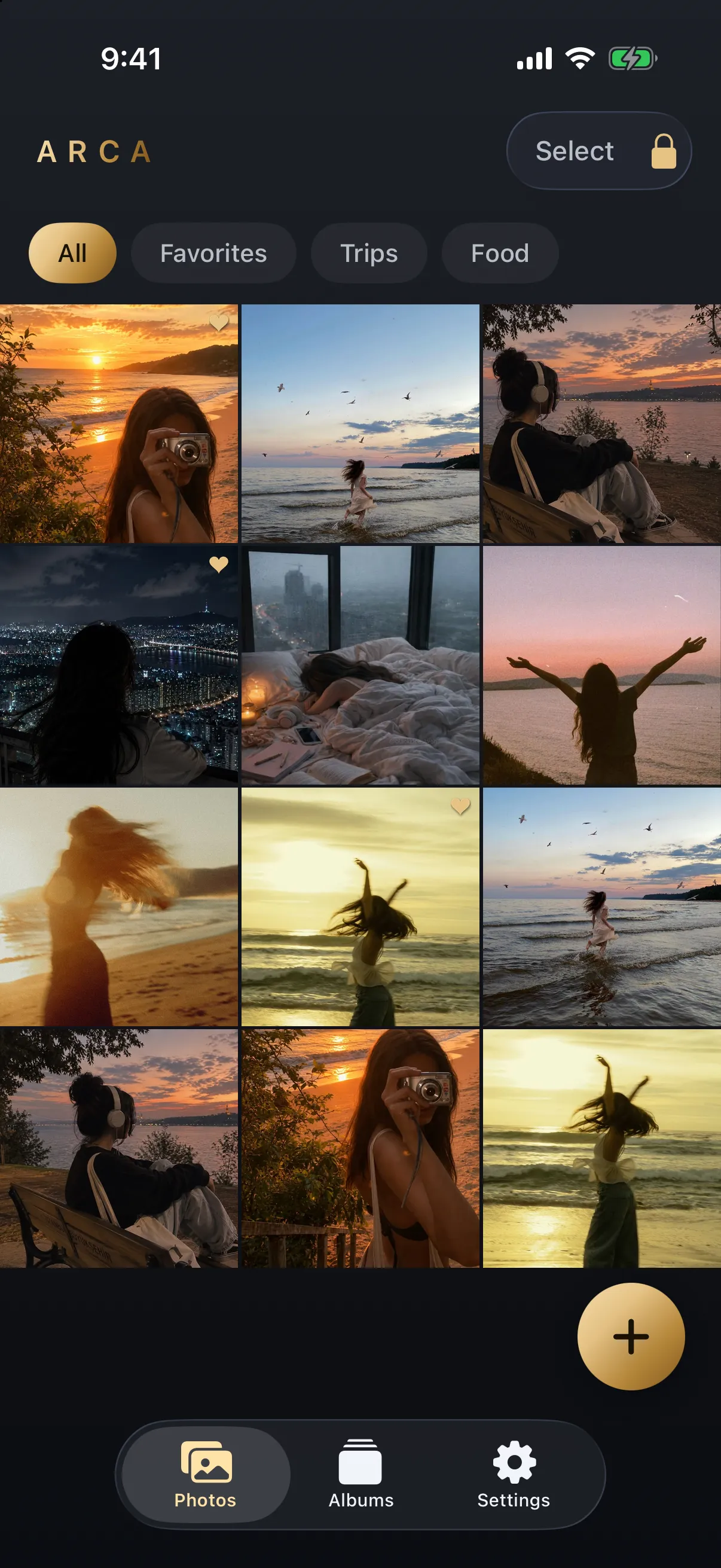
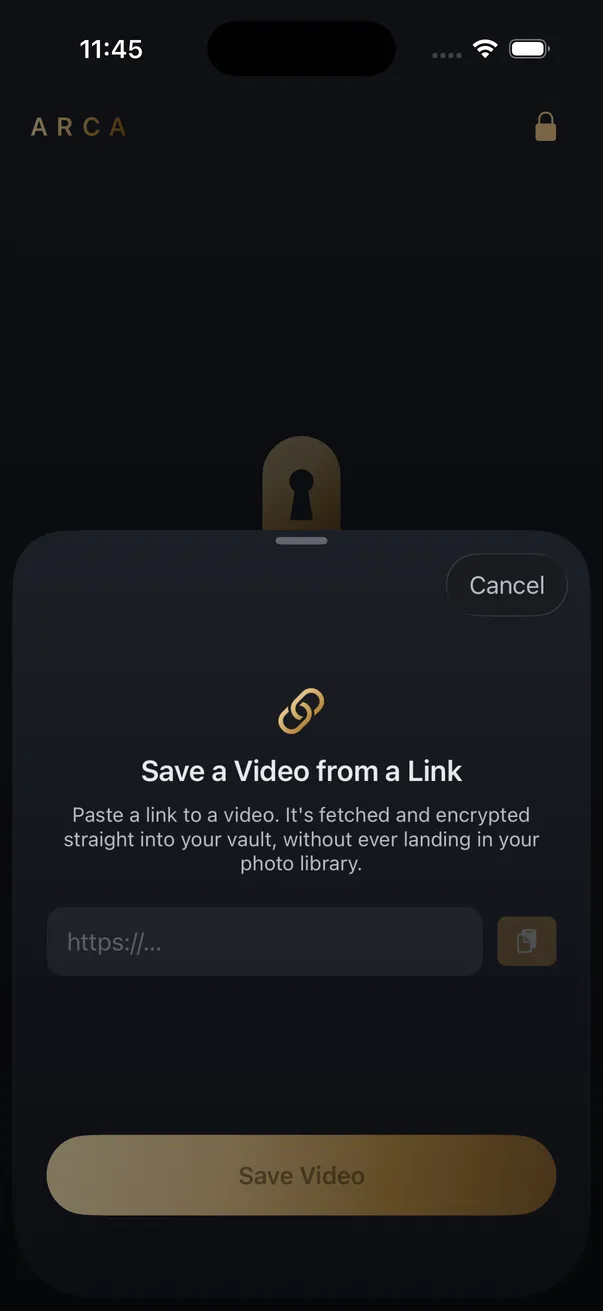
Save from Link in the app is video only. Share or paste a link and the video downloads straight into the encrypted vault, without passing through the Camera Roll or the Files app on the way in. Audio conversion lives on the website, so an MP3 made there arrives like any other browser download, readable by anything that can get into your phone.
Inside the vault every file is encrypted on the device with AES-256-GCM, under a key derived from your PIN with Argon2id. No Arca account or hosted copy of your vault. If you might ever be made to unlock the app while someone watches, a decoy vault with its own PIN opens instead. The per-platform notes and limits live on the YouTube downloader page.
Save what you have the right to save: your own uploads, content the platform allows you to keep, public posts for personal offline use. Converting commercially released music you hold no rights to is copyright infringement in most countries, and the platform’s terms still apply to you either way.
Frequently asked questions
Can I add a downloaded MP3 to my Apple Music library? +
Not from the phone on its own. The Music app has no import-from-Files option, so the route is to sync the file across from a Mac or PC, after which it sits in the library like any other track. Most people take the shortcut instead and use a media player app that reads straight from Files.
Does the Arca app save MP3s? +
No. Save from Link in the app downloads video into the vault, and audio conversion is a feature of the website rather than the app. An MP3 you make on the site arrives through Safari into your Files app, not into the vault.
Is a converted MP3 worse than the audio in the video? +
It is bounded by whatever the platform served. Our converter encodes at 128 kbps and 48 kHz from the best audio stream the source offers, and that source was already compressed when the platform stored it. For a lecture or a podcast the difference is inaudible. For music you intend to keep, buying the track gets you something better.
Keep reading
Guides
Can You Download a YouTube Playlist as MP3 on iPhone?
Not in one step. Downloaders take one video at a time, and a playlist link has no video in it. What each link type returns, where the rights question lands, and the fastest way to work through a playlist by hand.

Guides
Where Do Downloaded Videos Go on iPhone?
Three different places, depending on how you saved it, and they have very different privacy consequences. Here's how to find a video you've lost and how to decide where the next one lands.
Guides
Can You Get the Song Out of a YouTube Short?
Not as a clean track. A Short's audio is one mixed stream, with the music, the voice and the effects bounced together before YouTube ever served it. Here is what a download actually hands you, and where the song really lives.
Your photos. Truly private.
Keep your photos in an encrypted vault on your iPhone, with no Arca account or automatic vault upload.
Free to download · iPhone · iOS 18+