
Privacy
Does a Calculator Vault Really Hide Your Photos?
A calculator vault hides the app, not the fact that it's installed. Here is what the disguise fools, what gives it away on an iPhone, and why the encryption behind it matters more than the icon.
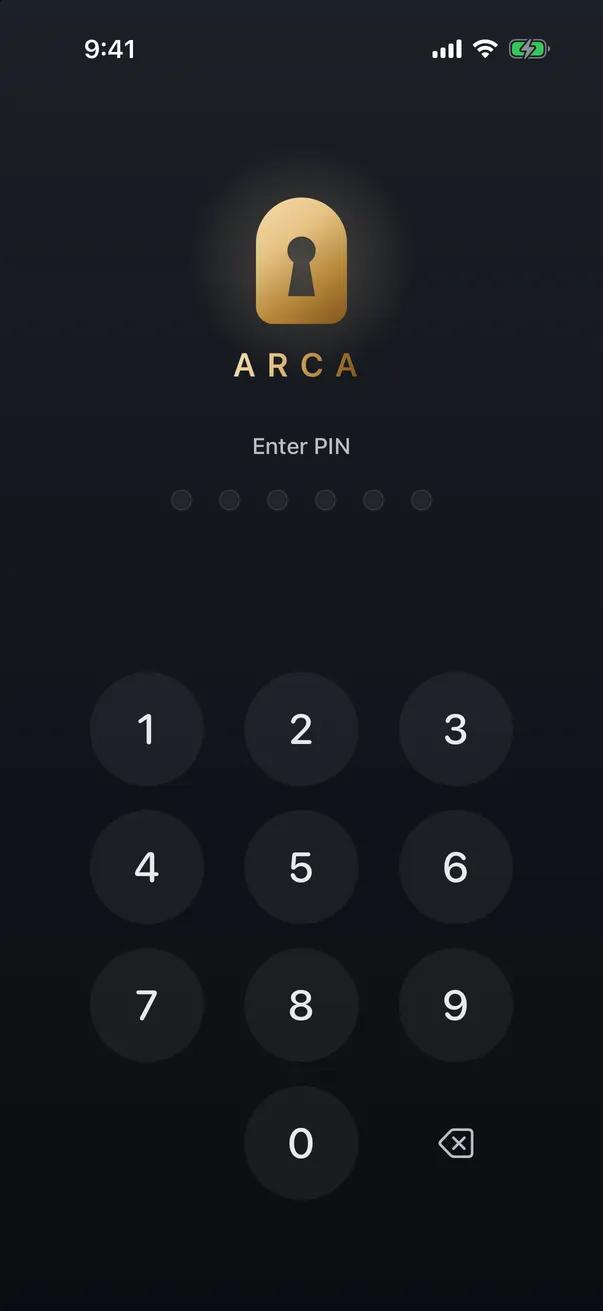
A calculator vault fools a glance, not a search. It swaps the lock screen for a working calculator, so someone who opens the app sees arithmetic instead of a PIN pad. But iOS still lists the app under its real name in several places, and the disguise does nothing for the files unless they’re encrypted.
What the disguise actually fools
Picture the realistic case: a friend borrows your phone, or a kid starts tapping through apps. They open an icon that looks like a calculator and get a calculator. That’s the whole job, and it does it well. The code is usually typed into the calculator itself and confirmed with the equals key.
It’s much weaker against anyone who already suspects something. People search “secret calculator photo vault” because the idea is well known now, and anyone who knows the genre knows to look for a second calculator.
What gives a disguised vault away on iPhone
iOS lets an app change its icon. It doesn’t let the app change its name. Here is where the real one shows up:
| Where | What it shows |
|---|---|
| Home Screen label | The registered app name under the icon |
| Settings, General, iPhone Storage | Every installed app by name, with its size |
| Screen Time | Daily usage for each app |
| App Store purchase history | Every app the Apple ID has downloaded |
| Two calculator icons | Apple’s own Calculator is still on the phone |
The storage list is the one people forget. A calculator app holding 4 GB of data is not a calculator.
The icon is not the lock
The disguise changes what the lock screen looks like. Whether the photos are safe depends on what sits behind it: are the files encrypted, and is the key derived from your code, or just stored somewhere the app can read?
Our comparison of calculator vault apps goes into this. Some keep photos as ordinary files in the app’s folder, which a backup tool or a forensic extraction can read without ever touching the calculator. A clever front door doesn’t help if the back wall is missing.
The other trade-off is recovery. A disguised vault often has no visible “forgot code” path, so read how recovery works before you put anything in one you can’t afford to lose.
How Arca handles it
Arca starts with encryption. Each file is encrypted on your iPhone with AES-256-GCM, the key is derived from your 6-digit PIN with Argon2id, and there’s no hosted copy of the vault to leak. With premium you can pick an alternate icon style, and two of those styles can turn on a matching lock screen: a working calculator (enter your PIN, tap =) or a phone keypad (enter your PIN, tap call; any other number places a real call). Wrong codes just do the math.
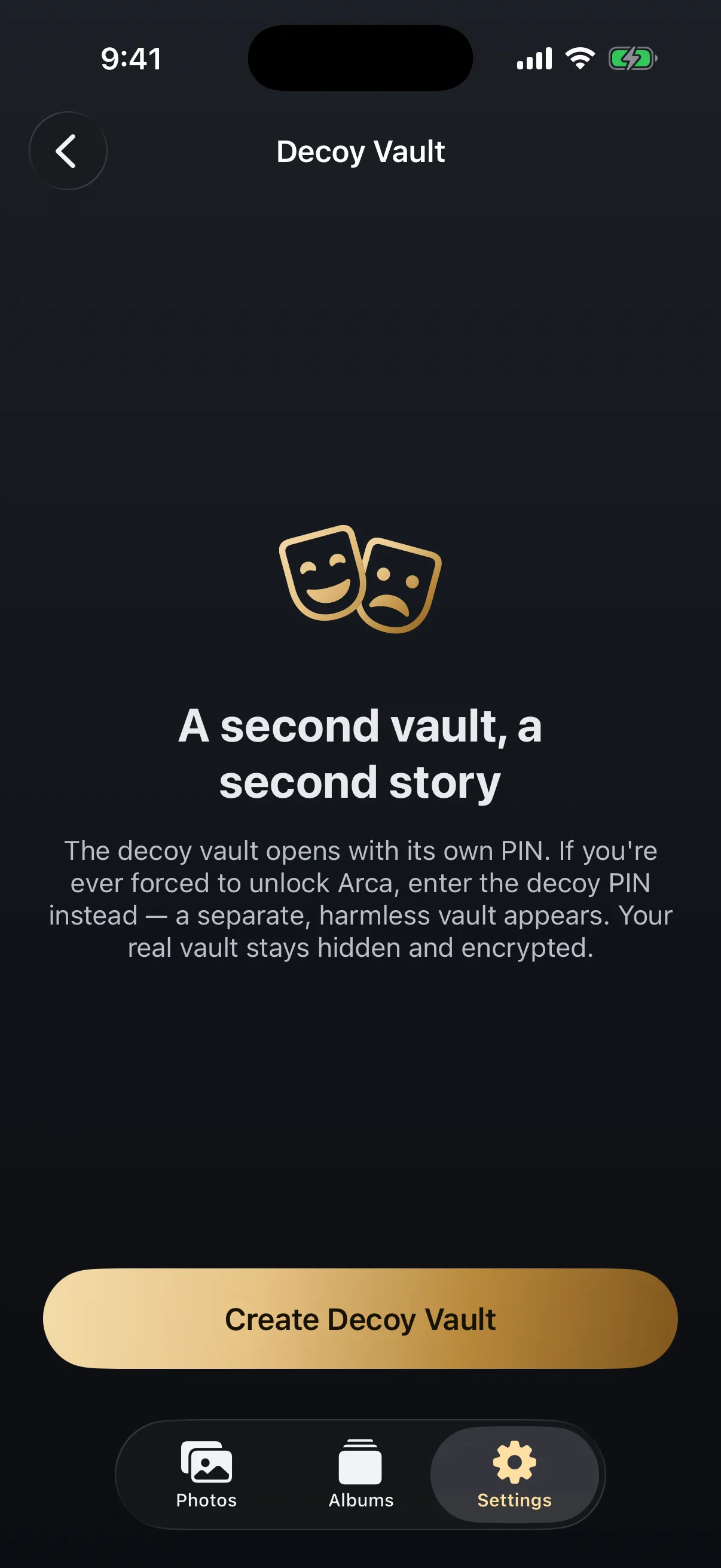
Two limits, stated plainly. The name under the icon stays “Arca”, because iOS won’t allow renaming. And a disguise doesn’t help if someone forces you to open the vault. That’s what the decoy vault is for: a second PIN opens a separate, harmless vault, and it works from the calculator too. The guide on what to do if you’re forced to unlock your phone covers the rest.
If you only need photos out of the main grid, iOS’s own Hidden album may be enough. See how to hide photos on iPhone for what that does and doesn’t cover.
Frequently asked questions
Can I rename a calculator vault app to Calculator? +
No. iOS shows the name the developer registered and doesn't let you change it. Some apps register a name like Calculator+ for that reason, but it still shows up in Settings, Screen Time and your App Store purchases.
What happens if someone types random numbers into the calculator? +
In a well-made one, nothing unusual. It does the arithmetic, and a wrong code leaves no sign that anything else is there. A calculator that behaves oddly gives itself away faster than a plain lock screen would.
Is a calculator vault safer than a normal photo vault? +
Not by itself. The disguise only changes what the lock screen looks like. How safe the photos are depends on whether the files are encrypted with a key derived from your code, and many calculator-style apps don't say.
Keep reading

Privacy
Do Live Photos Record Sound?
A Live Photo is a still image plus about three seconds of video, and that clip carries an audio track. Here's what travels when you share one, and how to send just the picture.
Privacy
Your Photo Widget Is Showing People Your Photos
A Photos widget picks from your whole library and puts the result on a screen anyone can see from across a table. Here's how to narrow what it draws from.
Guides
How to Find and Take Back Photos You've Shared
Shared albums outlive the occasion, iCloud links run on a 30-day clock, and most people have no idea what's still open. Here's how to audit all of it, and the one thing revoking can't undo.
Your photos. Truly private.
Keep your photos in an encrypted vault on your iPhone, with no Arca account or automatic vault upload.
Free to download · iPhone · iOS 18+